ERR_CONNECTION_ABORTED in Chrome: 9 Ways to Fix It
On this page
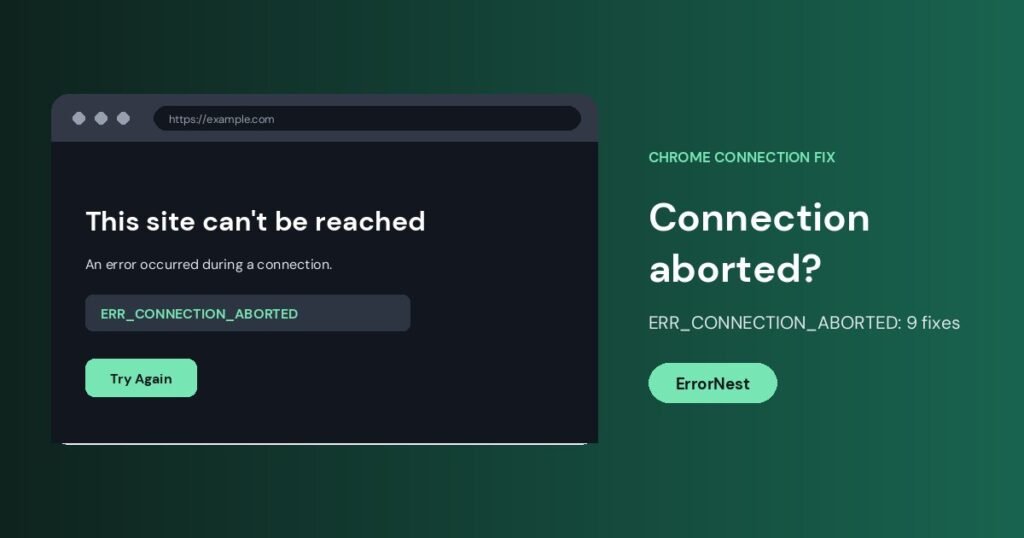
ERR_CONNECTION_ABORTED is a Chrome error that appears when a connection to a website was cut off before the page finished loading. The message usually says “This site can’t be reached” and shows the code ERR_CONNECTION_ABORTED. It often means something on your computer or network, such as security software, a VPN, a proxy or an extension, stopped the connection. Sometimes the website itself closed it.
Quick fix: Reload the page, turn off any VPN or proxy, then open the site in an Incognito window. If it loads there, an extension or cached data is the cause.
Common causes
- Antivirus, firewall or web-protection software blocking the connection.
- A VPN or proxy that drops the connection.
- A faulty Chrome extension.
- Corrupted cache or cookies.
- QUIC protocol or network configuration problems.
- DNS or router problems.
- A website or server that is down, overloaded or rejecting your request.
9 ways to fix ERR_CONNECTION_ABORTED
1. Reload and test another site
Press Ctrl + Shift + R for a hard reload, then open a different website. If only one site fails on every device, the issue is probably on the server side and you can only wait.
2. Try Incognito and disable extensions
Press Ctrl + Shift + N and open the page. If it works, go to chrome://extensions and turn extensions off one at a time, starting with ad blockers, VPN and security extensions.
3. Clear cache and cookies
Press Ctrl + Shift + Delete, choose All time, tick cookies and cached images and files, then clear and restart Chrome.
4. Turn off VPN and proxy
Disconnect your VPN. On Windows, open Settings > Network & Internet > Proxy and switch off Use a proxy server unless your workplace requires it.
5. Temporarily disable antivirus and firewall
Pause your antivirus web protection and Windows Firewall for a minute and test the page. If it works, add an exception for Chrome rather than leaving protection off. Remember to turn it back on.
6. Disable QUIC in Chrome
Type chrome://flags/#enable-quic in the address bar, set Experimental QUIC protocol to Disabled and relaunch Chrome. If the flag is not available in your version, skip this step.
7. Reset network settings
Open Command Prompt as administrator and run these commands one by one, then restart the PC:
ipconfig /flushdns
netsh winsock reset
netsh int ip reset
8. Change your DNS
Set your DNS servers to 1.1.1.1 and 1.0.0.1 or 8.8.8.8 and 8.8.4.4 in your network adapter properties. Restart the router if the problem continues.
9. Update or reset Chrome
Open Settings > About Chrome to update. If the error remains, use Settings > Reset settings > Restore settings to their original defaults. This disables extensions and clears temporary data but keeps bookmarks and passwords.
If you are a developer
If net::ERR_CONNECTION_ABORTED appears in the console for an API or local server request, the server may have crashed, closed the socket early or rejected the connection. Check server logs, request size limits, timeouts, proxy settings and any antivirus that scans local traffic.
Related guides: ERR_CONNECTION_RESET, ERR_CONNECTION_FAILED and ERR_NAME_NOT_RESOLVED.
Frequently asked questions
What does ERR_CONNECTION_ABORTED mean?
The connection to the website was stopped before it finished. The cause may be software on your computer, your network or the website server.
What is the difference between ERR_CONNECTION_ABORTED and ERR_CONNECTION_RESET?
Both mean the connection ended unexpectedly. Aborted is often triggered by software on your own machine, while reset is more often sent by the server or a device in the network path. The fixes overlap.
Can an antivirus cause ERR_CONNECTION_ABORTED?
Yes. Web protection and firewalls are among the most common causes, especially after an update or a new installation.
Does clearing cache fix it?
It can, if corrupted data is involved. It is quick to try, but VPN, proxy and security software checks fix more cases.
Is the website broken?
Maybe. Test it on another device and network. If it fails everywhere, the site is the problem.
Related guides
PR_CONNECT_RESET_ERROR in Firefox: 9 Fixes for Secure Connection Failed
Firefox shows "Secure Connection Failed" with PR_CONNECT_RESET_ERROR? Try these 9 fixes: VPN, proxy, HTTP/3, antivirus, DNS and more.
How to Fix ERR_CONNECTION_FAILED in Chrome
ERR_CONNECTION_FAILED means Chrome could not make a connection at all. Test other sites, turn off VPN and proxy, check the firewall, reset the network…
How to Fix ERR_NO_BUFFER_SPACE in Chrome on Windows
ERR_NO_BUFFER_SPACE means Windows could not allocate network buffer space for a new connection. Close heavy apps, turn off VPNs, reset the network stack and…