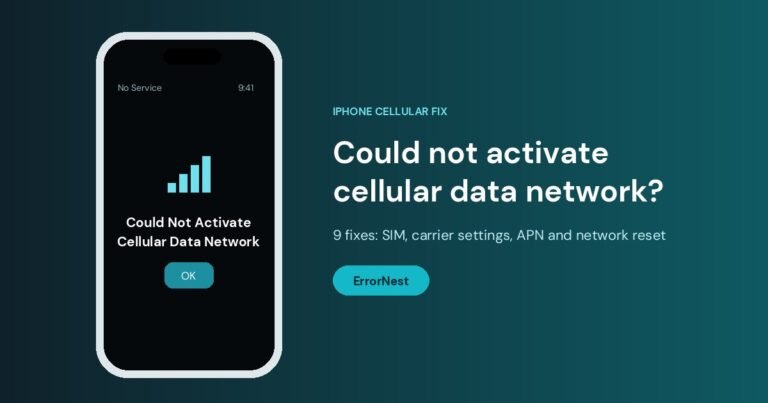
Could Not Activate Cellular Data Network on iPhone: 9 Fixes
iPhone says "Could not activate cellular data network"? Here are 9 fixes covering SIM, carrier settings, APN and network reset.
iPhone and iPad
Guides for iPhone and iPad, covering Wi-Fi and cellular problems, update and restore errors, storage and app issues, with the least disruptive fix listed first.

iPhone says "Could not activate cellular data network"? Here are 9 fixes covering SIM, carrier settings, APN and network reset.

Mobile network not available means the phone cannot reach your carrier. Check coverage and the selected SIM, reselect the network, reset the APN, then reseat the SIM and…

A phone that keeps losing service has a coverage, network or phone problem. Work out which first, then toggle airplane mode, reseat the SIM, change the network mode…

iPhone storage full? Check what uses the space, offload unused apps, clear large message attachments, optimise photos and empty Recently Deleted, safest steps first.

An iPhone stuck on the Apple logo can usually be fixed without losing data. Force restart it first, then update through a computer in recovery mode.