ERR_CONNECTION_ABORTED in Chrome: 9 Ways to Fix It
Chrome shows ERR_CONNECTION_ABORTED? Follow these 9 steps covering extensions, VPN, antivirus, QUIC and network reset.
Every published troubleshooting guide, with the newest first.

Chrome shows ERR_CONNECTION_ABORTED? Follow these 9 steps covering extensions, VPN, antivirus, QUIC and network reset.

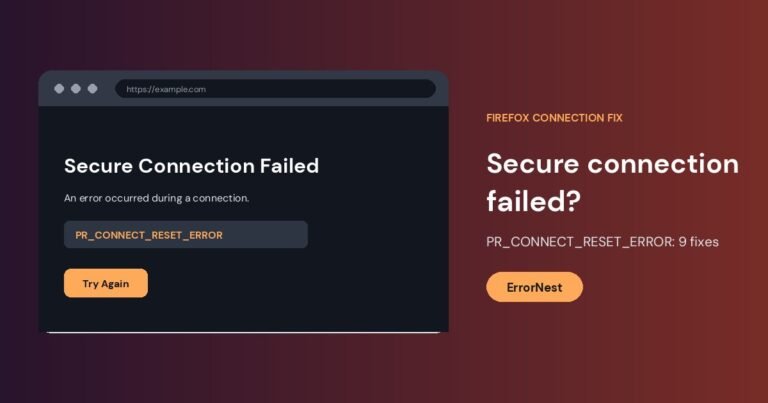
Firefox shows "Secure Connection Failed" with PR_CONNECT_RESET_ERROR? Try these 9 fixes: VPN, proxy, HTTP/3, antivirus, DNS and more.

ERR_CONNECTION_FAILED means Chrome could not make a connection at all. Test other sites, turn off VPN and proxy, check the firewall, reset the network stack and test extensions.

ERR_NO_BUFFER_SPACE means Windows could not allocate network buffer space for a new connection. Close heavy apps, turn off VPNs, reset the network stack and update the adapter driver.

NS_ERROR_NET_TIMEOUT means Firefox got no answer from a site in time. Test other sites and connections, then check VPN, proxy, add-ons, DNS over HTTPS and firewall settings.

ERR_TOO_MANY_REDIRECTS means a site is redirecting in a loop. Visitors should clear the site cookies, and site owners should check HTTPS, site address and CDN settings.

ERR_NAME_NOT_RESOLVED means your device could not look up the website address. Check for typos, flush DNS, restart the router and try a different DNS server.

If Windows 11 reconnects to Wi-Fi after sleep but websites will not load, isolate the router from the laptop, then check the adapter, DNS and power settings.

Windows 11 says Can't connect to this network? Test another device, forget and rejoin the network, reset the network stack and check router security settings.

Wi-Fi that keeps dropping can come from the device, the router or your provider. Find out which one first, then work through these fixes from least to most…

Chrome shows ERR_CONNECTION_RESET? Diagnose browser, VPN, Windows network, router, and website causes with safe fixes in order.